Moving a control: move
The simplest animation is one command. move slides a control to a point over a time you give, and the engine draws every step between. Give it a list of points, such as a graphic's points, and it follows them one after another:
create graphic "Path"
set the style of it to "polygon"
set the points of it to "40,300" & return & "160,80" & return & "280,300" & return & "400,80"
set the foregroundColor of it to "#94A3B8"
set the dashes of it to "6,6"

create graphic "Ball"
set the style of it to "oval"
set the filled of it to true
set the backgroundColor of it to "#FF7A00"
set the rect of it to 0,0,32,32
set the loc of it to 40,300

move graphic "Ball" to the points of graphic "Path" in 400 milliseconds
put the loc of graphic "Ball"400,80
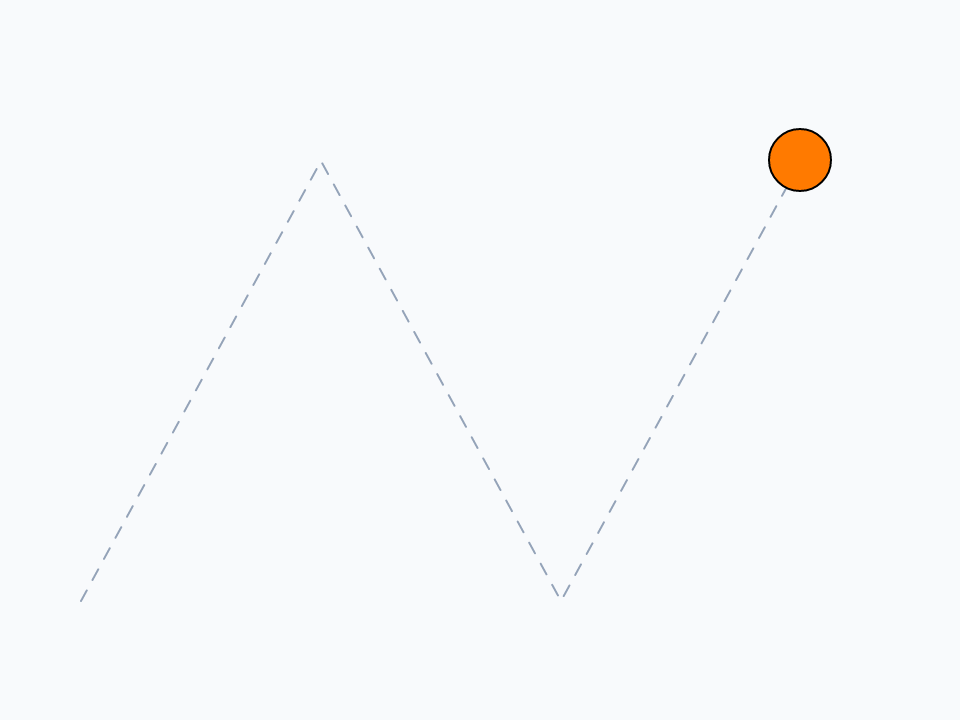
move waits until the control arrives. Add without waiting and the script goes on at once while the control moves; the movingControls lists the controls still on their way:
create graphic "Ball"
set the rect of it to 0,0,20,20
move graphic "Ball" to 200,100 in 500 milliseconds without waiting
put the loc of graphic "Ball"
put the number of lines of the movingControls10,10 1
Frame by frame
For anything move cannot do (a ball that bounces, a game where everything moves at once) animate it yourself: a handler that changes positions a little, then sends itself again a moment later, as in Timers and waiting. Each run is one frame. About 16 milliseconds between frames gives 60 a second, as smooth as most screens show.
local sBall, sTrail, sDX = 15, sDY = 10, sSteps = 0

on stepBall
   lock screen
   set the left of sBall to the left of sBall + sDX
   set the top of sBall to the top of sBall + sDY
   if the right of sBall >= the width of me or the left of sBall <= 0 then
      multiply sDX by -1
   end if
   if the bottom of sBall >= the height of me or the top of sBall <= 0 then
      multiply sDY by -1
   end if
   set the points of sTrail to the points of sTrail & return & the loc of sBall
   unlock screen
   add 1 to sSteps
   if sSteps < 100 then
      send "stepBall" to me in 16 milliseconds
   else
      put "stopped at" && the loc of sBall
   end if
end stepBall

create graphic "Trail"
set the style of it to "polygon"
set the foregroundColor of it to "#CBD5E1"
set the points of it to "40,40"
put it into sTrail

create graphic "Ball"
set the style of it to "oval"
set the filled of it to true
set the backgroundColor of it to "#14B8A6"
set the rect of it to 20,20,60,60
put it into sBall

stepBallstopped at 280,280
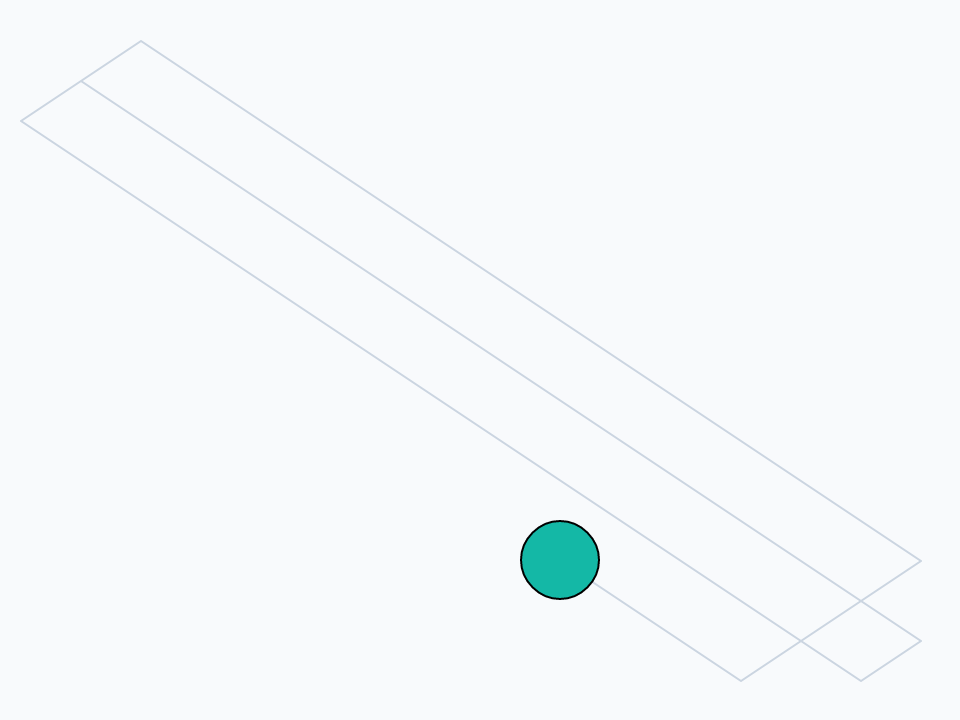
Three habits in this example are worth keeping:
- Keep the long id. After
create,itis the new control's long id (Referring to objects). Kept in a script local, it finds the control from any handler, whichever stack is in front when the timer fires. A name such asgraphic "Ball"is looked for on the card in front, which, when a timer fires, may be another window's. - Measure from
me.the width of meis the width of the card or stack whose script this is, which is the same whichever window is in front. - Lock the screen.
lock screen(Making code fast) holds what is drawn untilunlock screen, so the ball's two moves and the trail's new point appear together, as one frame, never half done.
The arrow keys
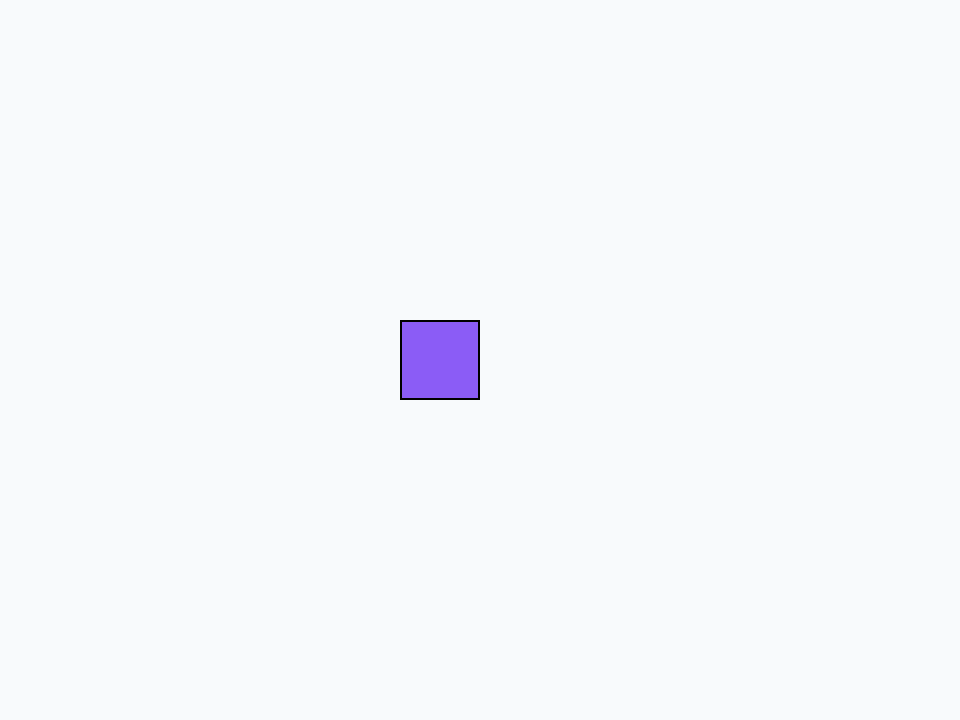
A key pressed while no field is being typed in goes to the card as a message: arrowKey for an arrow key, with left, right, up or down, and keyDown for any other, with the character. A player moved by the keys is a pair of handlers. Here, send presses the keys, so the example runs by itself:
local sPlayer

on arrowKey pWhich
   switch pWhich
      case "left"
         set the left of sPlayer to the left of sPlayer - 20
         break
      case "right"
         set the left of sPlayer to the left of sPlayer + 20
         break
      case "up"
         set the top of sPlayer to the top of sPlayer - 20
         break
      case "down"
         set the top of sPlayer to the top of sPlayer + 20
         break
   end switch
end arrowKey

create graphic "Player"
set the filled of it to true
set the backgroundColor of it to "#8B5CF6"
set the rect of it to 100,100,140,140
put it into sPlayer

repeat 5 times
   send "arrowKey right" to me
end repeat
repeat 3 times
   send "arrowKey down" to me
end repeat
put the topLeft of sPlayer200,160
Collisions
intersect tells whether two controls overlap. Their rectangles are compared, unless you ask for "opaque pixels", which compares what is actually drawn: slower, but exact for round or odd shapes.
create graphic "Player"
set the rect of it to 20,20,60,60
create graphic "Coin"
set the rect of it to 100,20,120,40
put intersect(graphic "Player", graphic "Coin")
set the left of graphic "Player" to 90
put intersect(graphic "Player", graphic "Coin")false true
A small game
Put the pieces together: a basket at the bottom of the stage, coins that fall from the top, and a point for every coin the basket catches. Each frame moves every coin down, checks each for a catch, and starts a fallen one again at the top. Here the basket heads for the lowest coin by itself, so the example plays itself; in a real game the arrow keys would move it. randomSeed makes random give the same numbers each run, which is how a game can replay a level:
local sBasket, sScore, sFrame, sCoins

on gameFrame
   add 1 to sFrame
   lock screen
   -- the basket heads for the lowest coin, at most 8 pixels a frame
   put empty into tLowest
   repeat for each line tCoin in sCoins
      if tLowest is empty or the top of tCoin > the top of tLowest then
         put tCoin into tLowest
      end if
   end repeat
   put item 1 of the loc of tLowest - the width of sBasket / 2 into tGoal
   put max(-8, min(8, tGoal - the left of sBasket)) into tStep
   set the left of sBasket to the left of sBasket + tStep
   repeat for each line tCoin in sCoins
      set the top of tCoin to the top of tCoin + 6
      if intersect(tCoin, sBasket) then
         add 1 to sScore
         newCoin tCoin
      else if the top of tCoin > the height of me then
         newCoin tCoin
      end if
   end repeat
   set the text of field "Score" of me to "Catch the coins:" && sScore
   unlock screen
   if sFrame < 140 then
      send "gameFrame" to me in 16 milliseconds
   else
      put "score:" && sScore
   end if
end gameFrame

on newCoin pCoin
   set the loc of pCoin to random(440) + 20, 40 + random(60)
end newCoin

set the randomSeed to 7
set the backgroundColor of this card to "#0F172A"
create field "Score"
set the rect of it to 10,8,300,36
set the opaque of it to false
set the showBorder of it to false
set the textColor of it to "#F8FAFC"
set the textStyle of it to "bold"
set the textSize of it to 16

repeat with i = 1 to 4
   create graphic ("Coin" && i)
   set the style of it to "oval"
   set the filled of it to true
   set the backgroundColor of it to "#FACC15"
   set the rect of it to 0,0,24,24
   newCoin it
   put it & return after sCoins
end repeat
delete the last char of sCoins

create graphic "Basket"
set the style of it to "roundRect"
set the filled of it to true
set the backgroundColor of it to "#8B5CF6"
set the rect of it to 200,320,280,340
put it into sBasket

put 0 into sScore
put 0 into sFrame
gameFramescore: 7
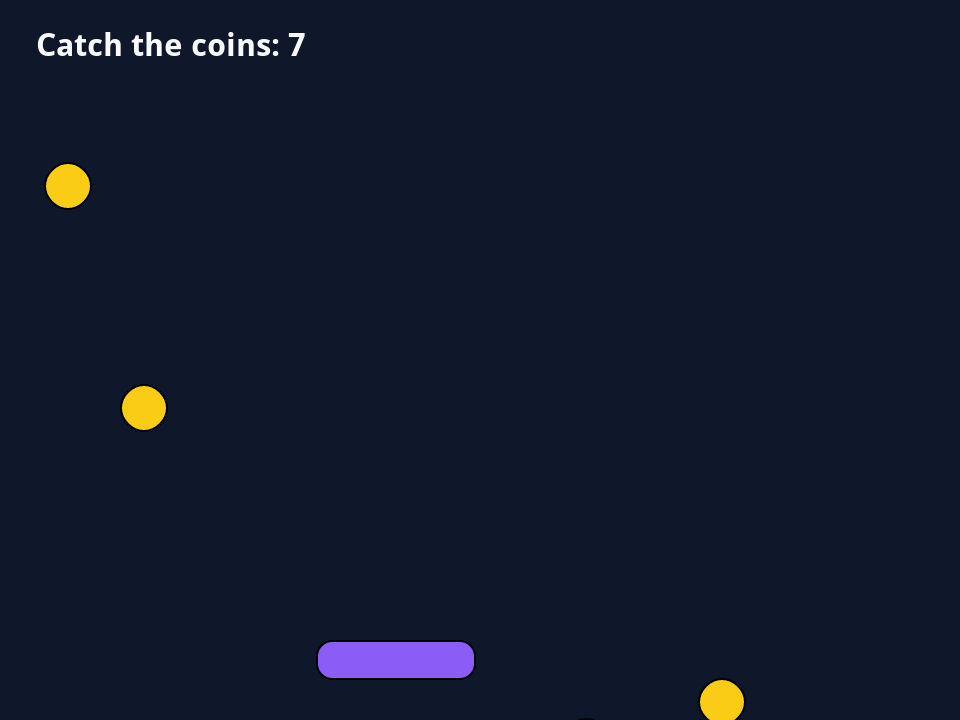
A real game adds a few things to this shape: arrowKey handlers to move the basket, a frame count or time limit for each level, and a closeCard that cancels the timer (Timers and waiting) so the game stops when its card closes.
Try it yourself
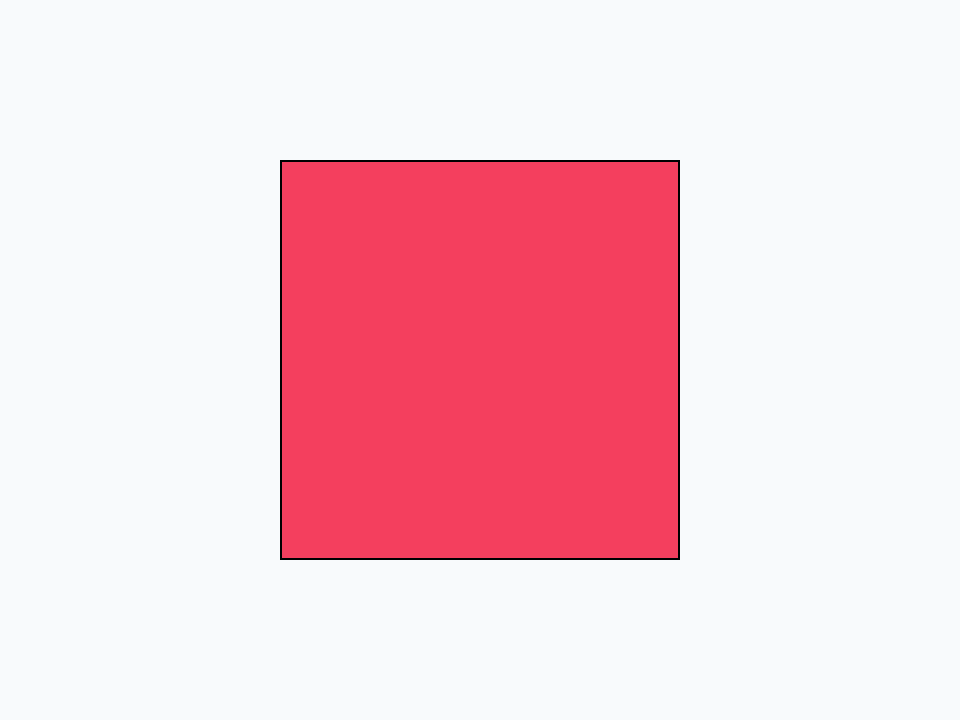
Make a square that grows: a graphic 10 pixels wide in the middle of the stage that, frame by frame, gets 10 pixels wider and taller (keeping its middle where it is) until it is 200 pixels wide, then puts its rect.
Show a solution
local sBox

on grow
   put the loc of sBox into tMiddle
   set the width of sBox to the width of sBox + 10
   set the height of sBox to the height of sBox + 10
   set the loc of sBox to tMiddle
   if the width of sBox < 200 then
      send "grow" to me in 16 milliseconds
   else
      put the rect of sBox
   end if
end grow

create graphic "Box"
set the filled of it to true
set the backgroundColor of it to "#F43F5E"
set the rect of it to 235,175,245,185
put it into sBox
grow140,80,340,280
Words in this lesson
movewithout waitingthe movingControlslock screenunlock screenarrowKeykeyDownintersectrandomSeedlocthe long idEach one finds every lesson that uses it. The Dictionary has the whole story of each, with its syntax and more examples.